
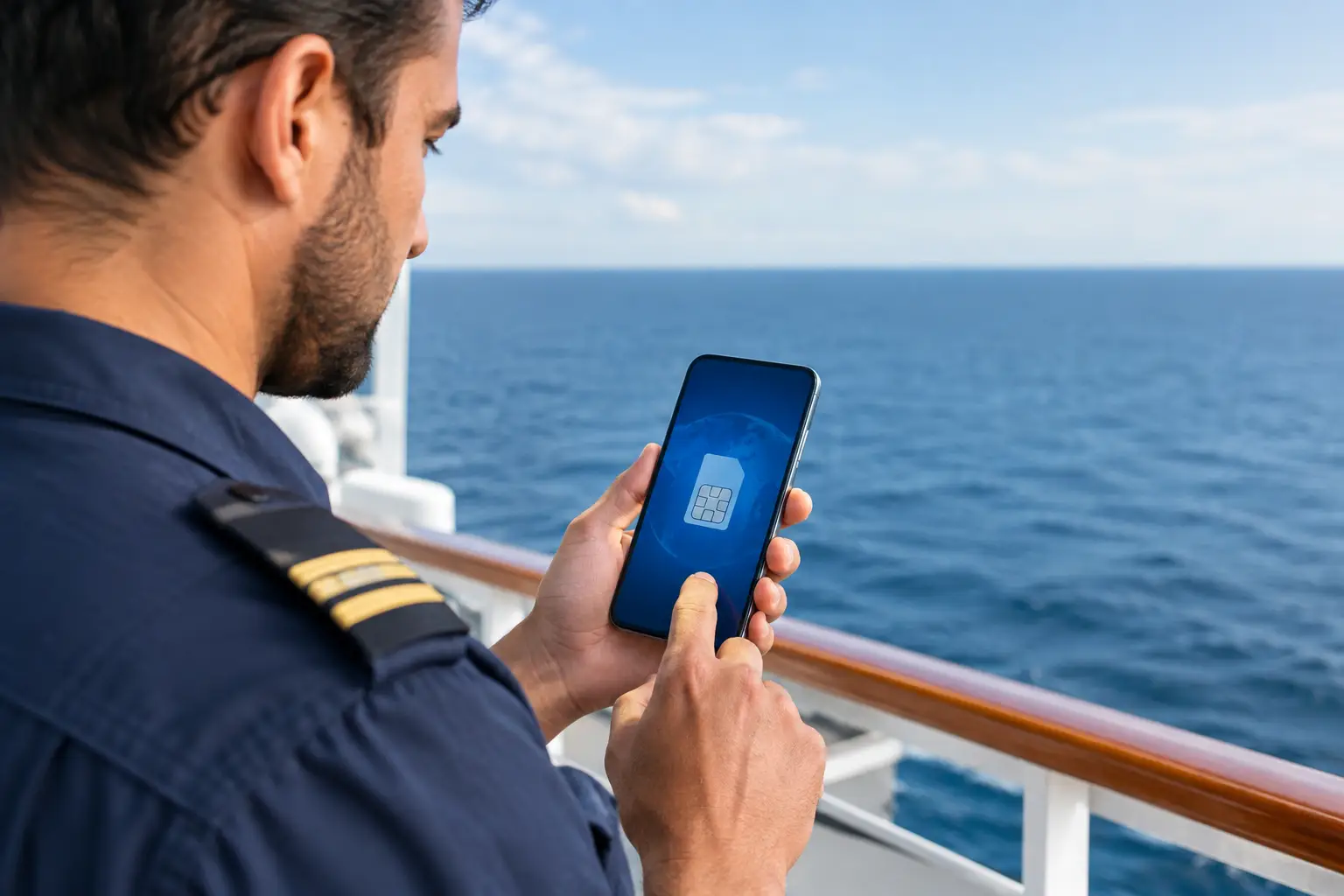
A delayed flight, a new port, a hotel with weak Wi-Fi, and a joining agent waiting for confirmation can quickly turn a routine crew change into a stressful day. Knowing how to use offline eSIM connectivity helps you stay reachable when you need mobile data most – before boarding, between flights, and during port calls.
For seafarers, an eSIM can remove the need to find and insert a local physical SIM card in every destination. However, the term “offline eSIM” can be misleading. An eSIM does not provide data without a cellular network. It means you can install and prepare your digital SIM before you lose Wi-Fi access, then connect to supported mobile networks without relying on airport Wi-Fi or a local SIM shop.
What an offline eSIM actually means
An eSIM is a digital SIM profile built into compatible smartphones, tablets, and some smartwatches. Instead of receiving a plastic card, you receive activation details that allow your device to download a mobile plan electronically.
In practical travel terms, an offline eSIM is a plan you set up in advance so it is ready when you arrive in a new country. Once the profile is installed and the plan is active, your phone can use a supported local cellular network for data. You may not need Wi-Fi at the airport, hotel, port gate, or transit terminal.
There is one important limitation: downloading an eSIM profile normally requires an internet connection. Do not wait until you land in a country where you have no data and no reliable Wi-Fi. Install the eSIM while you still have stable internet access, ideally at home, in your hotel, or before leaving the airport in your departure country.
How to use offline eSIM before you travel
The most reliable approach is to prepare your eSIM before your journey starts. This is particularly useful for crew traveling through several countries before joining a cruise ship, cargo vessel, yacht, or offshore assignment.
Check that your phone supports eSIM
First, confirm that your phone is eSIM-compatible and carrier-unlocked. Many newer iPhone, Google Pixel, and Samsung Galaxy models support eSIM, but compatibility can vary by model, region, and phone version.
An unlocked device matters because a phone restricted to one mobile carrier may reject another provider’s eSIM plan. If you are unsure, check your device settings or ask your current carrier before purchasing a travel plan.
Also make sure your phone has sufficient battery and available storage. It is sensible to save a screenshot of your activation details and keep them in a secure location that you can access without internet.
Purchase the right coverage area
Choose a plan based on your actual route, not only your final vessel location. A seafarer flying from the United States through Europe and then joining a ship in the Caribbean may need regional or global coverage rather than a single-country plan.
Consider your expected data use. Light use such as messaging, crew travel updates, maps, email, and document access uses far less data than video calls, streaming, or frequent social media uploads. If you will rely on mobile data for port instructions, flight changes, online training access, and communication with family, a larger allowance may be more practical.
Check the plan validity period as well. Some plans begin when installed, while others begin when they first connect to a supported network. This difference matters if you are preparing well ahead of a contract or your joining date changes.
Install the eSIM while you have Wi-Fi
After purchase, providers commonly send a QR code, an activation code, or instructions through an app. Connect to stable Wi-Fi, then follow the device prompts to add the cellular plan.
On most phones, this involves opening Cellular, Mobile Data, or SIM Manager settings and selecting the option to add an eSIM. Scan the QR code or enter the details manually. Give the new plan a clear label, such as “Travel Data” or “Joining Trip,” so you do not confuse it with your home line.
Do not delete the eSIM profile after installation unless your provider specifically instructs you to do so. A deleted profile may not be recoverable, and reinstalling it can require support or a new activation code.
Set your phone up for travel data
Installing the eSIM is only part of the process. Your device must know which line to use for cellular data.
In your mobile network settings, select the travel eSIM as your data line. Keep your regular number active if you need to receive calls, text messages, banking codes, or messages from your crewing agency. This dual-SIM setup is often one of the main advantages of eSIM travel plans.
Turn off data roaming on your home SIM to reduce the risk of unexpected roaming charges. Then turn on data roaming for the eSIM only if the provider’s instructions require it. Many international eSIM plans use roaming agreements with local networks, so this setting is often necessary for the plan to connect.
If your phone offers a setting such as “Allow Cellular Data Switching,” consider turning it off. This prevents the device from silently switching back to your expensive home SIM when the eSIM signal is weak.
Before departure, test that the eSIM appears in your settings and that your home line is still set correctly for calls and texts. You may not be able to fully test the travel data until you arrive in a covered destination, but the installation should be complete.
Using your eSIM after landing or arriving in port
When you arrive, switch off airplane mode after the aircraft doors open and mobile service is permitted. Your phone should search for a supported partner network. This may take several minutes, especially after a long flight or when moving between terminals.
If the eSIM does not connect immediately, restart your phone or briefly toggle airplane mode on and off. Confirm that the eSIM line is enabled, mobile data is assigned to that line, and data roaming is enabled if required. Check that you are in a supported country and that your plan is still valid.
In some ports, cellular signal can be limited by terminal buildings, container stacks, distance from the city, or vessel positioning. Move to an area with clearer coverage if permitted and safe. An eSIM cannot overcome a lack of local cellular signal, and offshore coverage is usually not included unless a plan specifically states otherwise.
Use your data deliberately when traveling. Download boarding passes, joining instructions, port maps, offline navigation areas, and essential documents before your allowance becomes limited. For low-data communication, messaging apps and email are usually more efficient than video calls.
Common problems crew members can avoid
The most common issue is installing an eSIM too late. Save yourself unnecessary pressure by completing setup before your departure day. A second frequent problem is leaving the home SIM selected for mobile data, which can create roaming charges even though the travel eSIM is active.
Another issue is assuming a regional plan covers every transit point. Coverage lists, available networks, and service quality can vary. Check your flight route, overnight locations, and joining port rather than relying on the plan name alone.
Finally, remember that travel eSIMs are generally designed for mobile data. They may not provide a local phone number, standard voice calls, or SMS capability. If a joining agent must call you directly, keep your main number available, confirm contact methods in advance, and use messaging apps where possible.
A practical connectivity routine for joining crew
Before each contract, make eSIM preparation part of your travel checklist alongside passport validity, visa requirements, Seaman Book, medical documents, certificates, flight details, and joining instructions. Install the plan before travel, label it clearly, select it as the data line, and keep your activation details securely saved.
Marine Pro Academy supports international eSIM connectivity solutions designed around the realities of maritime travel. The right plan will depend on your route, data needs, device, and expected time ashore, so review coverage and validity before you depart.
A prepared eSIM will not replace onboard internet or guarantee coverage at sea, but it can give you a dependable way to receive last-minute updates, find your route, and stay in contact during the critical hours between home and vessel. That small piece of preparation can make a crew change feel far more manageable.
Leave a Reply